
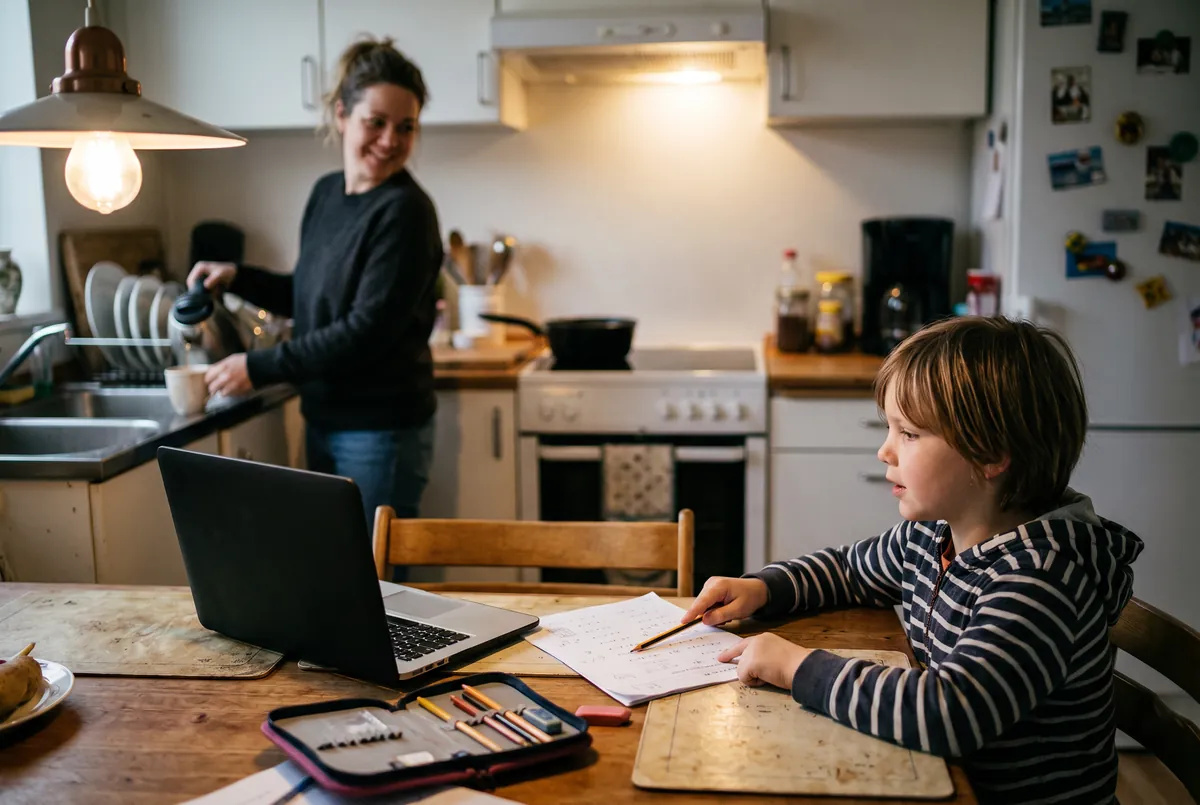
At home
Calmer homework evenings
When your child is stuck, the tutor stays with them, patient and out loud. You don’t have to remember long division at 7 pm, and nobody ends the evening in tears.
A voice tutor for children
It listens to your child, sees the work in front of them, and asks before it tells. Then it shows you exactly what changed.
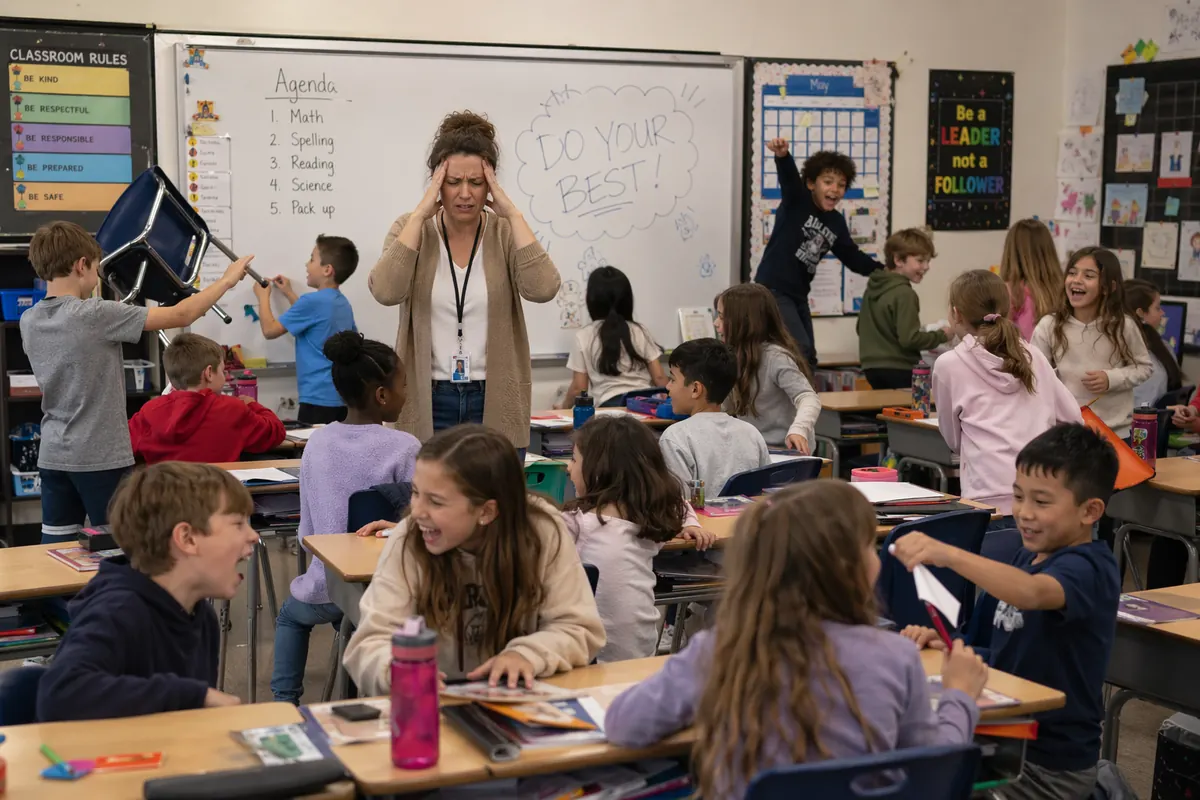
Of course not.
One adult, thirty children, one pace. That is no fault of the teacher: nobody can sit beside thirty children at once. So the class moves on, even when your child is still stuck.
At home and at school
Children learn to think best one-to-one: one question, one answer, one next step. Until now, that usually meant a private tutor.
At home
When your child is stuck, the tutor stays with them, patient and out loud. You don’t have to remember long division at 7 pm, and nobody ends the evening in tears.
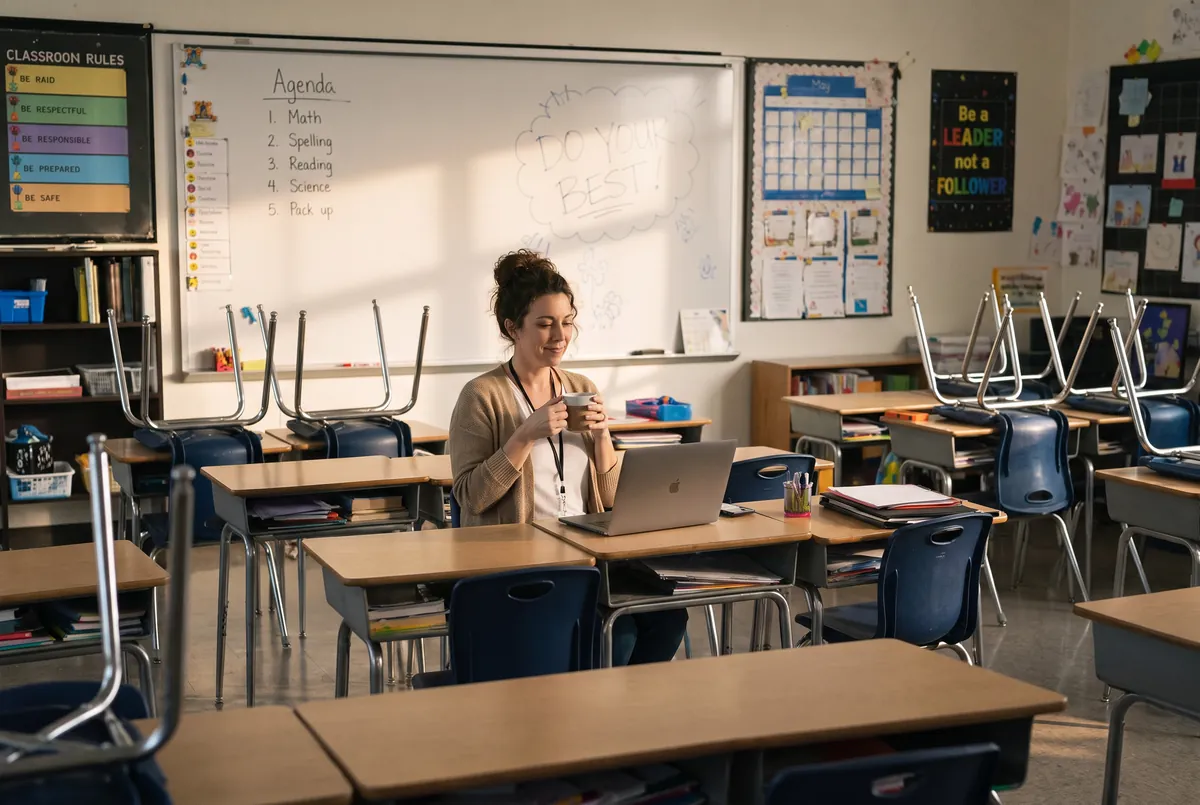
At school
Teachers know which child needs more time. They just can’t give it to thirty at once. With SyncSpark, every child works through the class’s homework one-to-one with the tutor, and the teacher sees who got it and who needed help.
SyncSpark for teachersWhat SyncSpark teaches
The subject is the tool, thinking is the goal. Math homework, a spelling list, a question about volcanoes: whatever your child brings, the tutor asks and your child works it out, one question at a time. It’s the Socratic method, and it’s how children learn how to learn.
What your child practices, every session
How it works
Take a photo of the worksheet and add a note for the tutor. SyncSpark reads it and prepares the lesson before your child starts.
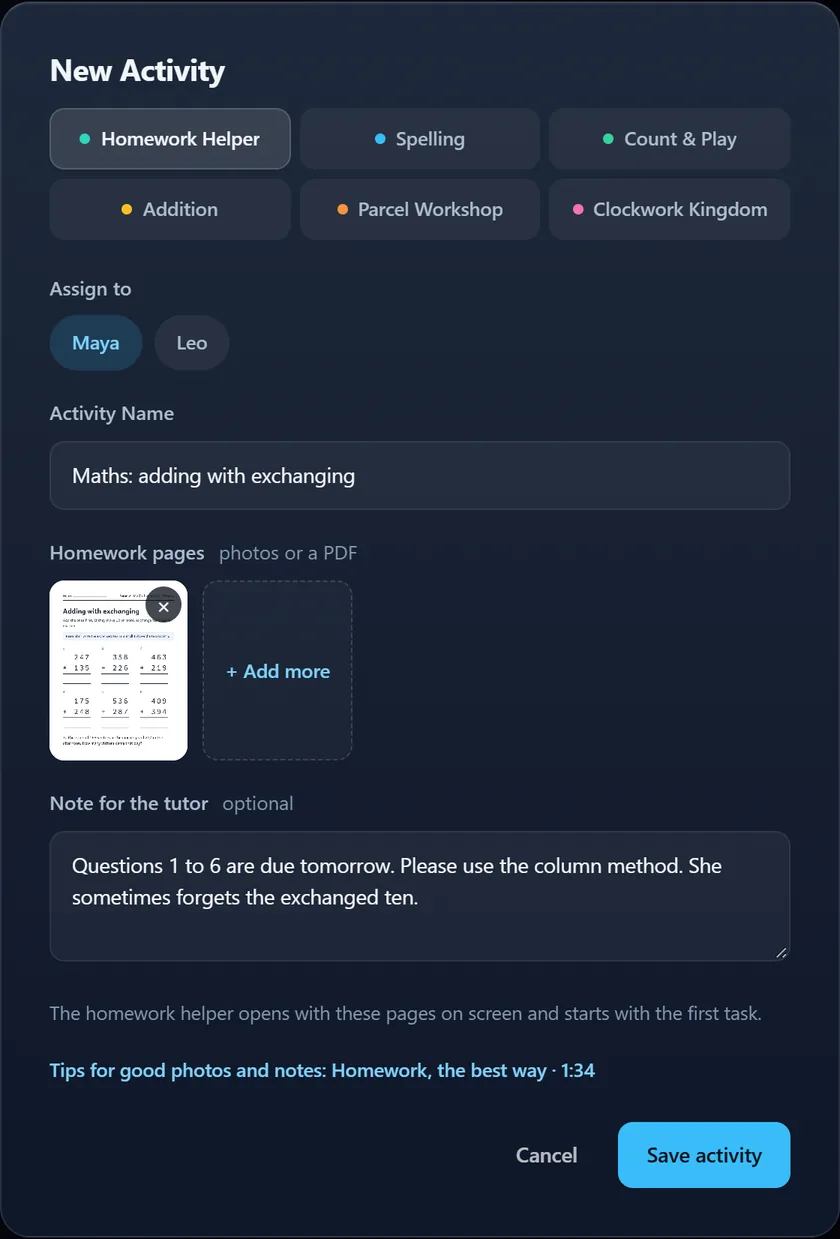
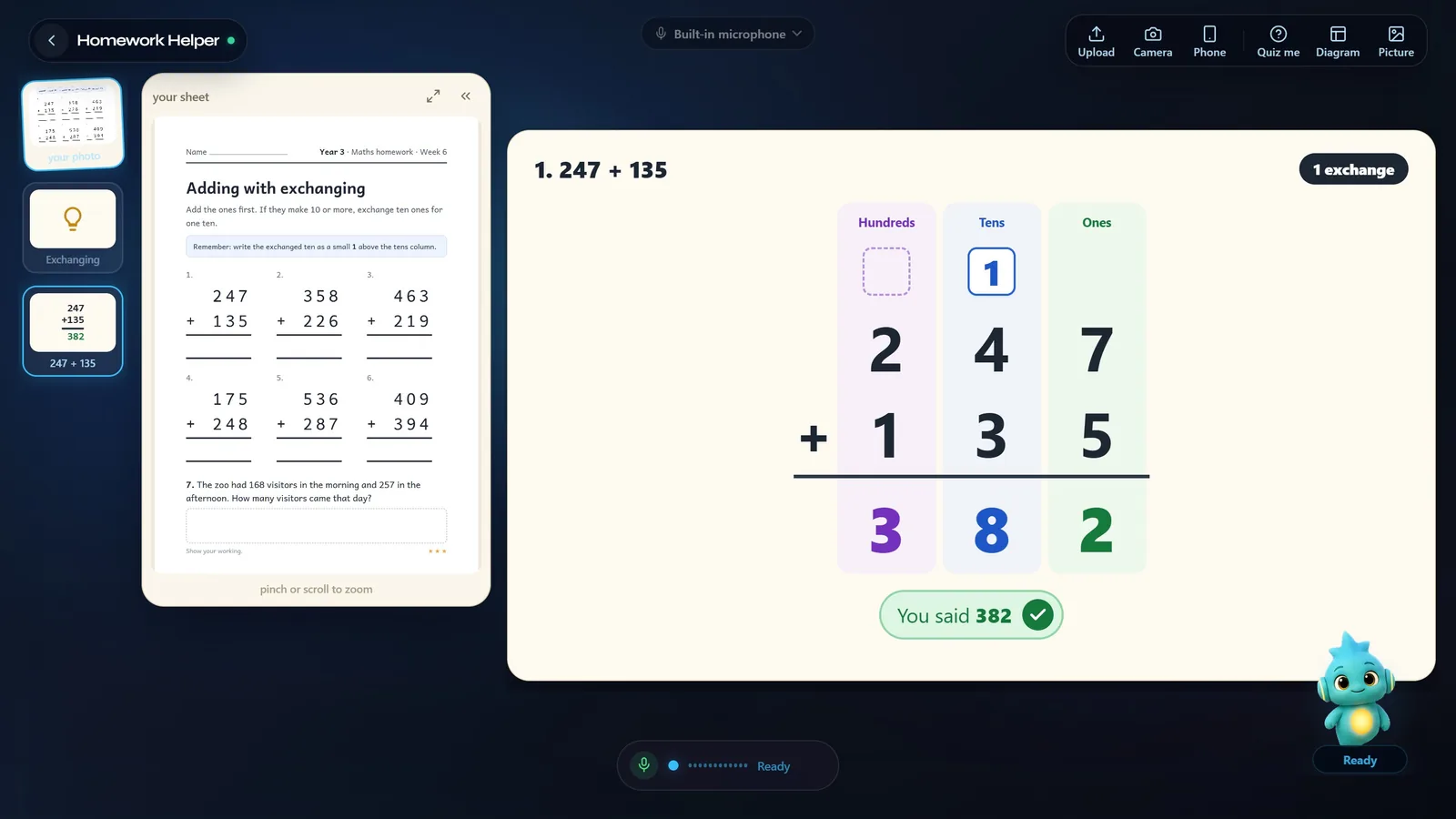
The tutor asks before it tells. Your child works through the real sheet out loud, one step at a time, and the board shows each step.
After each session: what they practiced, where they got stuck, the whole conversation, and what to do next.
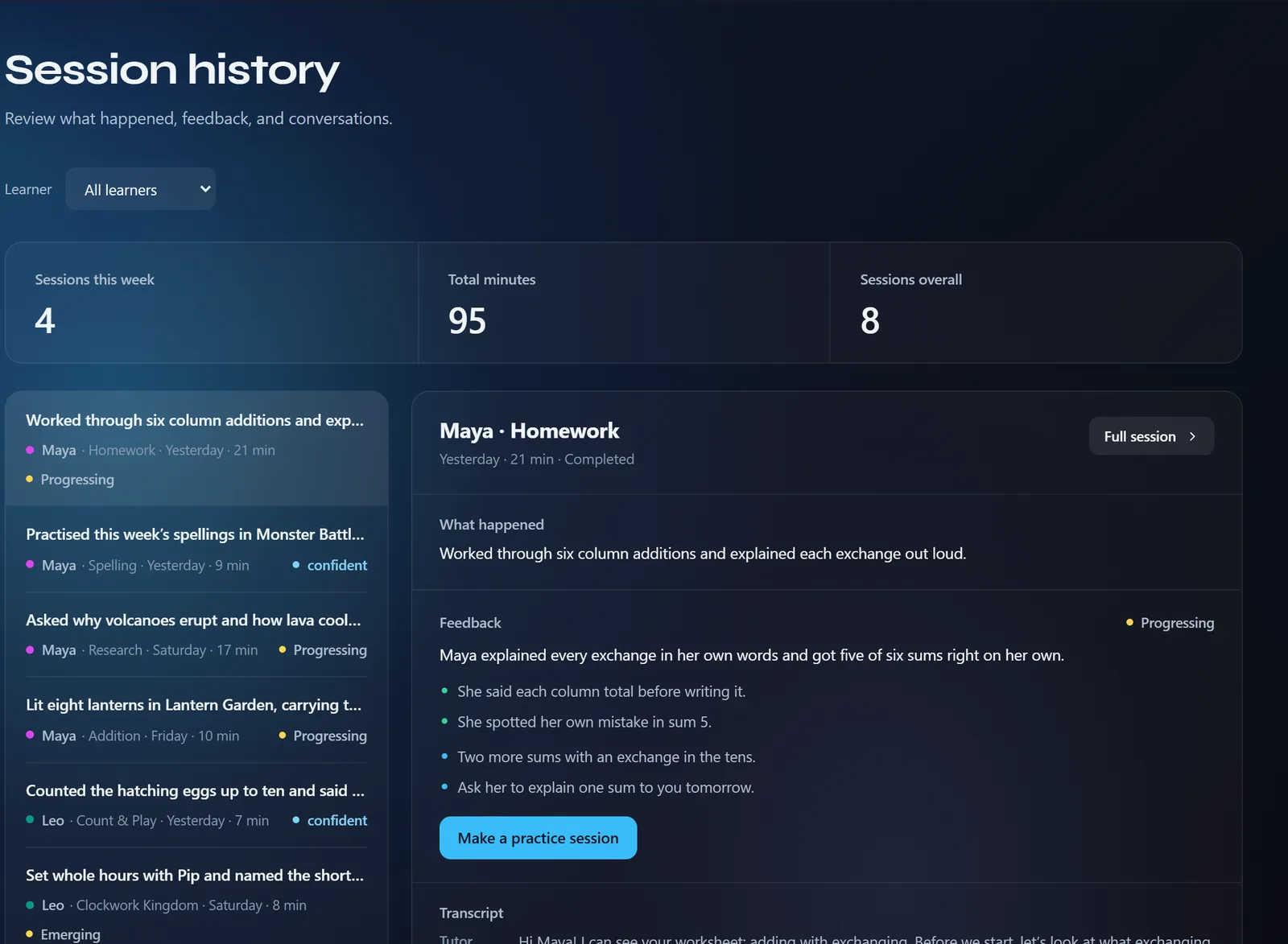
Real screens from the app, with a made-up family.
Not a chatbot
No typing and no chat box. Your child speaks, the tutor answers out loud, and when words are not enough it draws a picture.

More than homework
Spelling lists, sums and the clock become games your child plays with the tutor, out loud.

Lantern GardenAdding with carrying
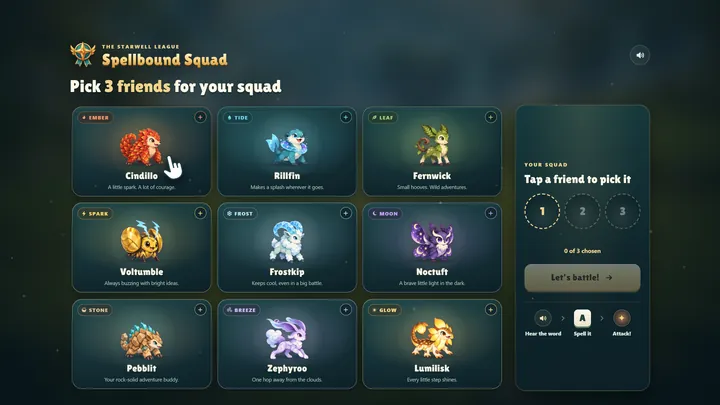
Spellbound SquadSpelling
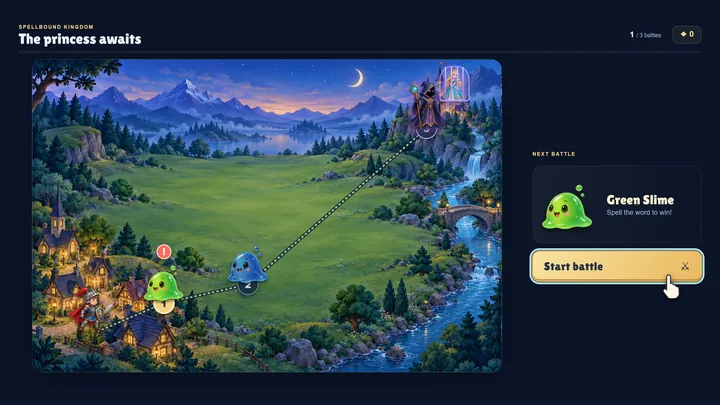
Monster BattleSpelling
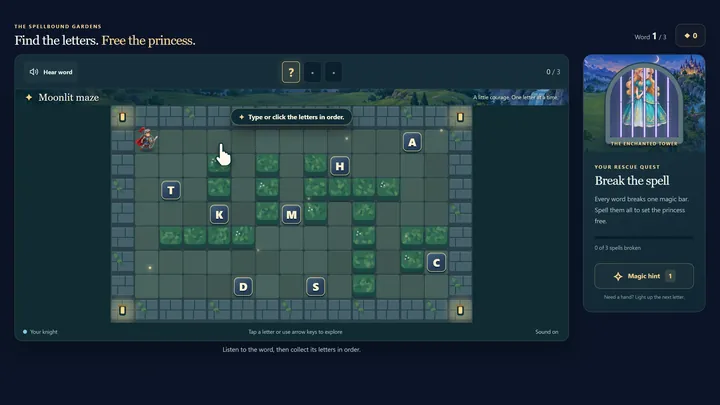
Maze RunnerSpelling

Clockwork KingdomTelling the time

Counting CoveCounting
For parents
 Watch the guide for parentsHow it works, the right room, and your first week. Five short videos, 8 minutes in all.
Start simple
The first session is $1, once. No subscription starts unless you choose Starter: 180 minutes a month for $24. A human tutor costs $50 or more an hour.